

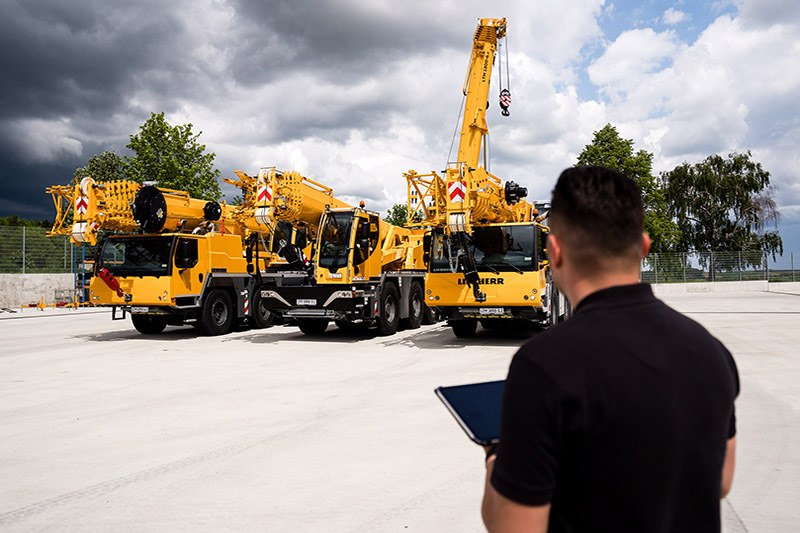
New database, ballast optimiser and a mobile app: what has changed in Liebherr’s Crane Finder
The configuration tool dispatchers use to match a crane to a load case has been rebuilt on a new database, gained an “Optimise configuration” function that cuts ballast, and is now available as a free app for iOS and Android.
What the tool does
Liebherr’s Crane Finder answers a routine dispatch question: given a load, a required height and a radius, which cranes can do the job and in what configuration. A new version has been online since mid-May and was presented at the manufacturer’s Customer Days. The changes fall into three areas – the data behind it, a new optimisation function, and a mobile app.
Rebuilt database
The crane data has been reworked from the current load charts and compiled into a new database. In practice that means the search now runs on up-to-date planning data, covers all operating modes and returns significantly more crane types than before. A total of 76 mobile and crawler cranes from the current Liebherr portfolio are included, along with selected older machines.
The extra data also allows the tool to return more detail: ballast radius, support, main boom angle, accessory angle and central ballast. Results can be shown as large tiles, as before, or in a new compact list view. A multi-select filter has been added so users can narrow a long results list – restricting it to the LRT models in their own fleet, for example.
Optimise configuration – less ballast to haul
The most consequential addition is an “Optimise configuration” button. By default the Crane Finder looks for the smallest crane that can handle the load case at maximum capacity, which means full ballast. In many cases the job can in fact be done with less. The new function calculates the minimum ballast needed for the load requirement in question – weight that then does not have to be trucked to site at all. Fewer ballast transports means lower fuel consumption, lower CO2 and lower cost for the contractor.
Now on phones and tablets
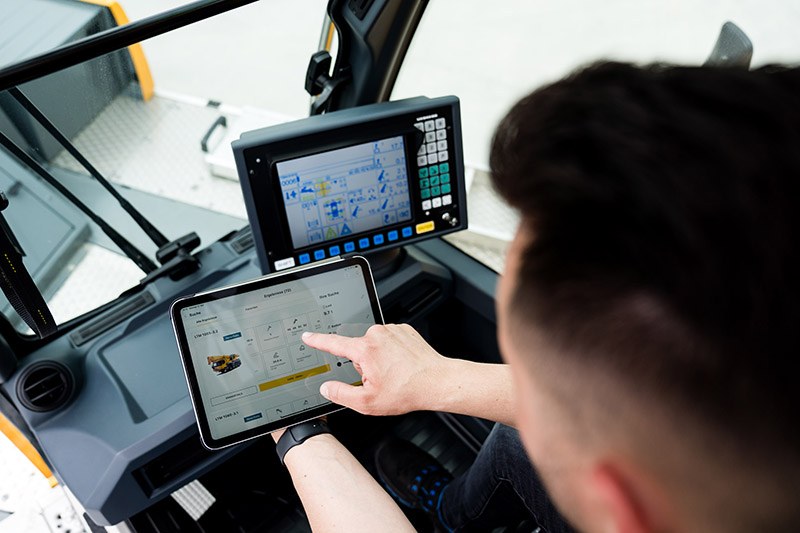
The Crane Finder is also available as an app, aimed at users who want the tool on a phone or tablet rather than the web version. The mobile interface is built for quicker navigation and searching, and the point is flexibility: the same information from site, from the office or in transit.
A favourites function lets users flag preferred crane models in the MyLiebherr portal and reach them directly – useful for crane operators, whose interest is usually confined to the machine they are sitting in. The app can be used without registering in MyLiebherr, though logged-in users get additional features. It is free to download for iOS and Android from the respective stores.
Related Stories
Unic puts its URW-095 mini spider crane under the spotlight
Unic Cranes Europe has profiled the URW-095, a 995 kg capacity mini spider crane that folds to 600…
Hoeflon makes the case for mini cranes in industrial relocations
Hoeflon has set out why compact electric mini cranes have become the tool of choice for relocation specialists…
Spierings details four crane configurations of the SK1265-AT5 eLift
Spierings has explained how its five-axle SK1265-AT5 eLift mobile tower crane switches between four ballast configurations, from a…